
Everything it takes to run support.
From the moment an email arrives to the report you hand your manager at month-end — here is what ships in the one plan.
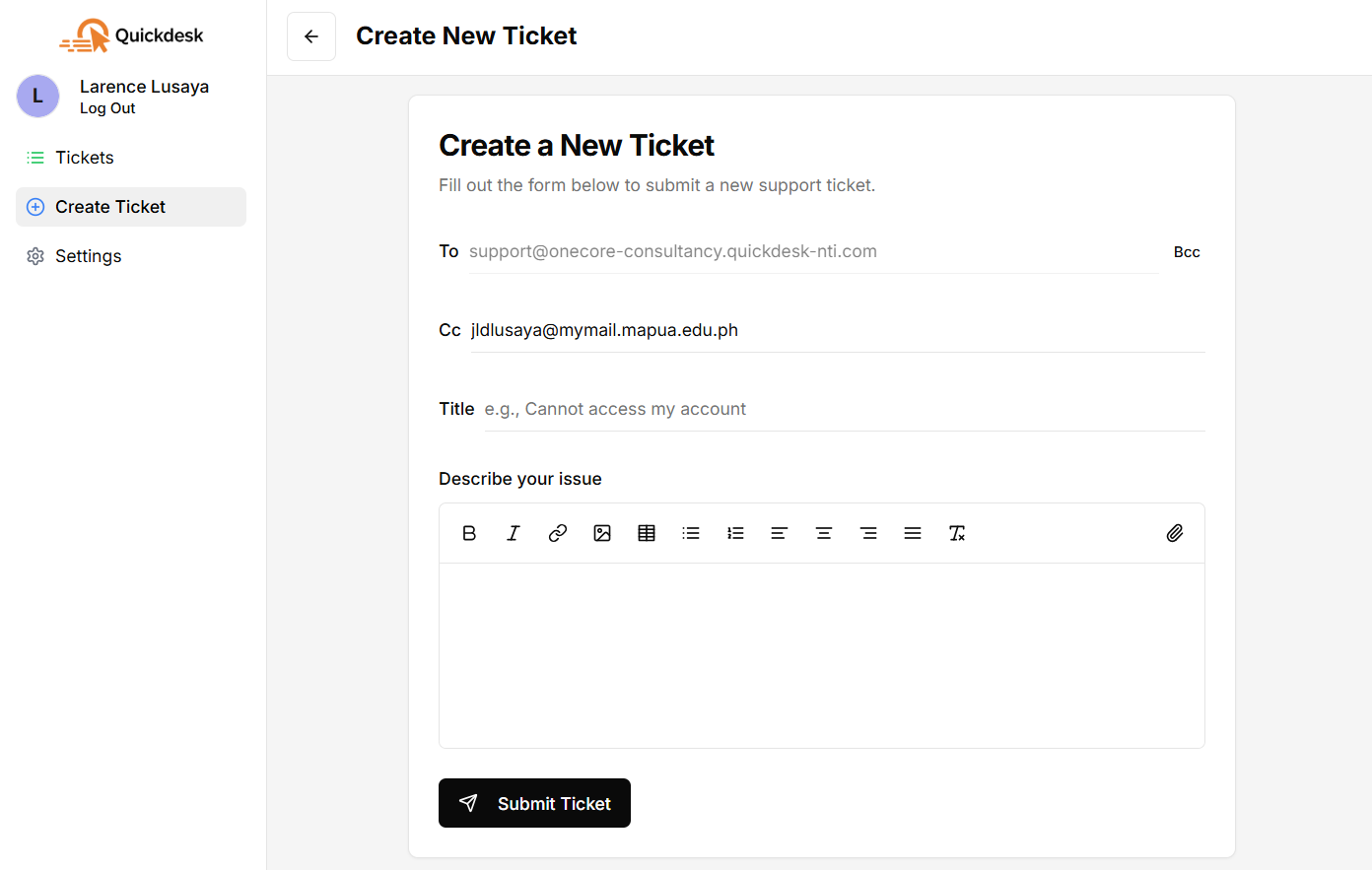
Email & Web Ticket Creation
Emails sent to your support address become tickets automatically, in real time. Your team can also raise tickets directly in the app, and you can bulk-import a backlog from Excel when you migrate.
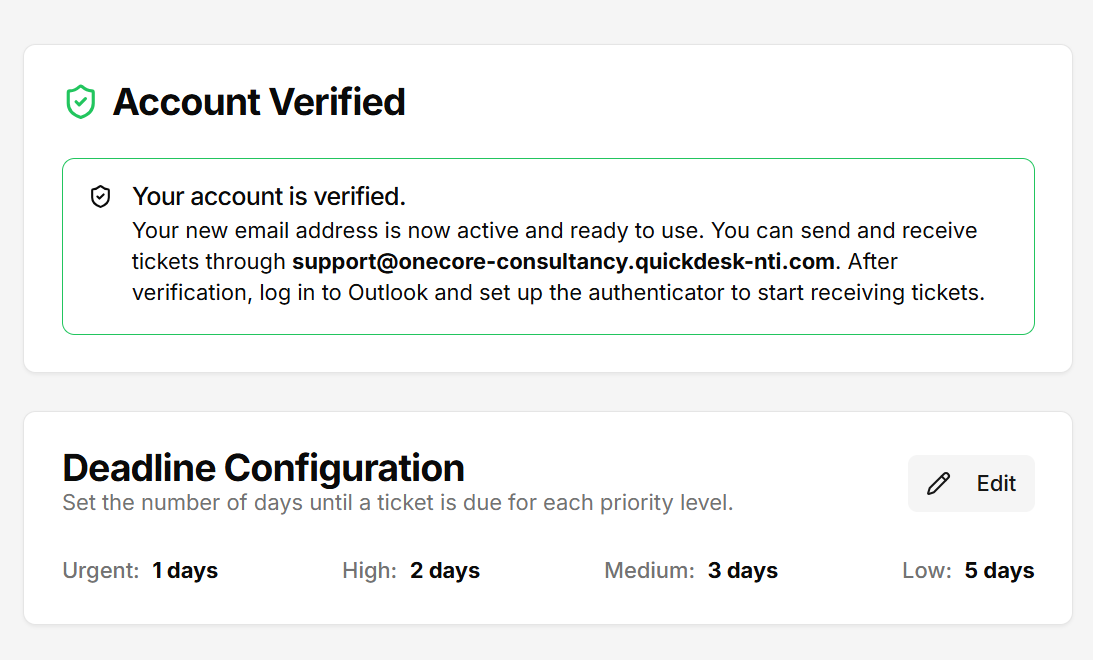
Dedicated Email Account
On registration you get a dedicated Microsoft 365 mailbox for support (e.g. support@your-company.quickdesk-nti.com) — a professional, centralized channel that funnels straight into your queue.
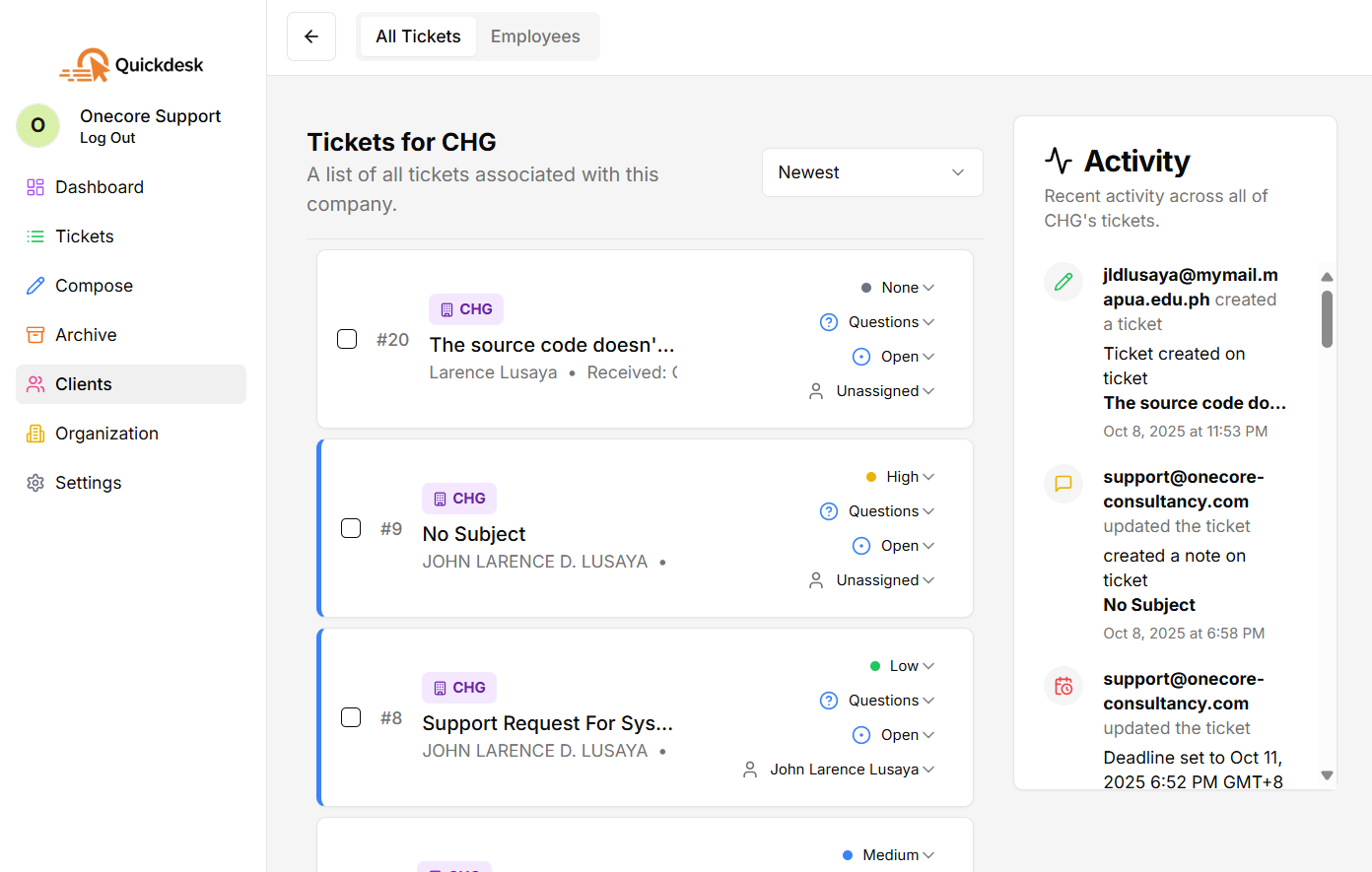
Client & Company Management
Organize clients into companies for a clear view of every associated ticket, employee, and conversation. Keep client relationships tidy and every history one click away.
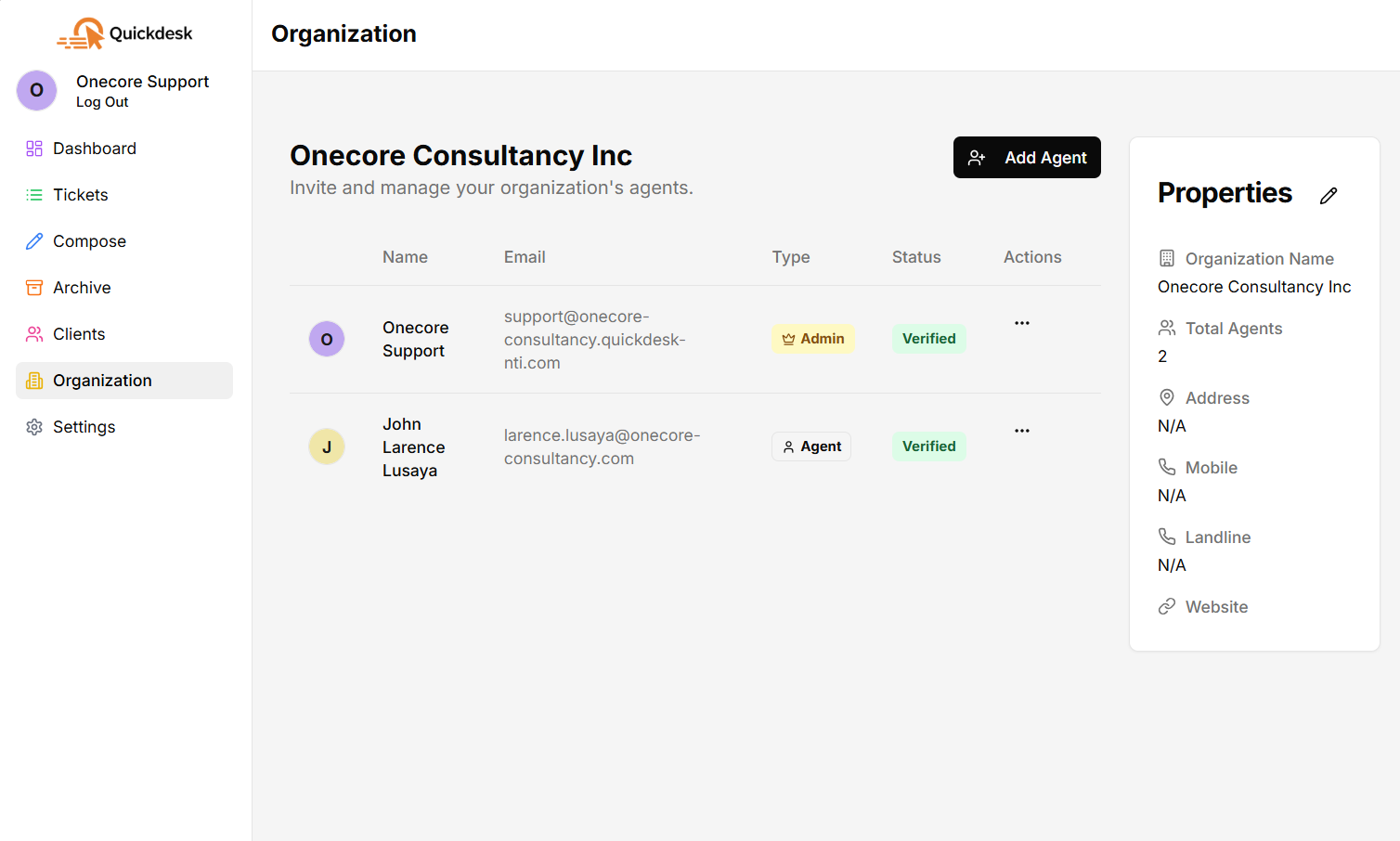
Agent Management
Invite agents, assign paid seats, and promote trusted staff to sub-admins. Roles and permissions keep the right people on the right tickets, and every member carries a clear verification status.
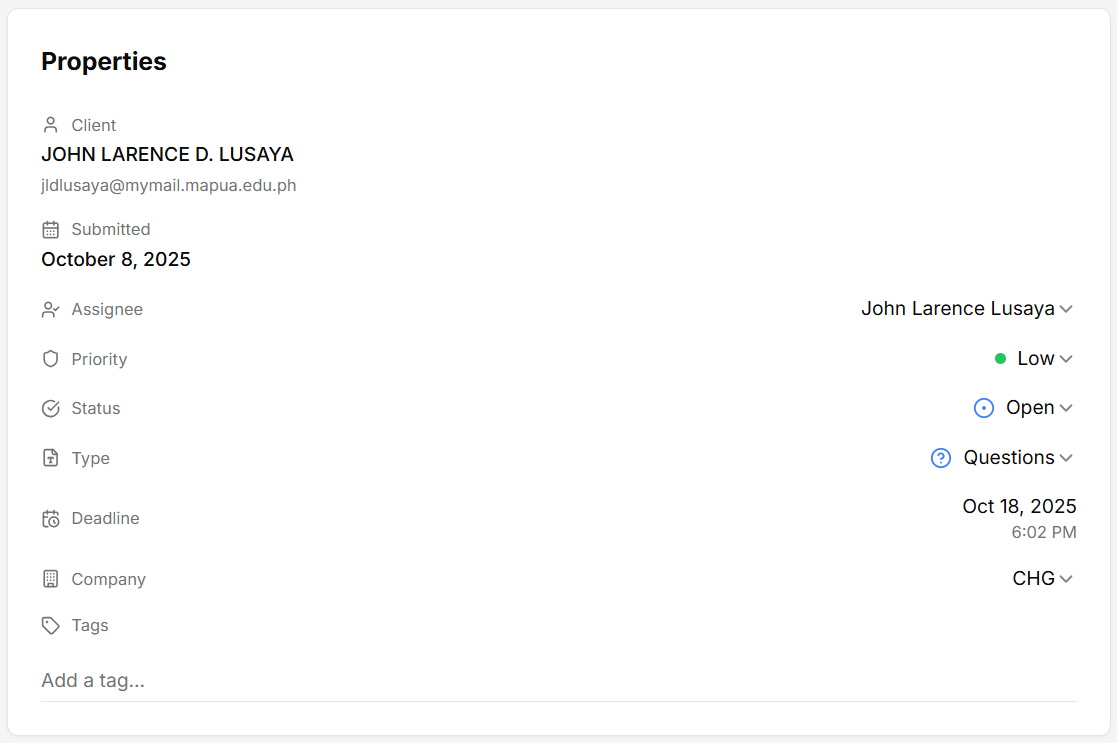
Advanced Ticket Properties
Multiple assignees, status, priority, type, deadlines, sections, categories, and tags — shape the workflow to fit your team and track every ticket from creation to resolution.
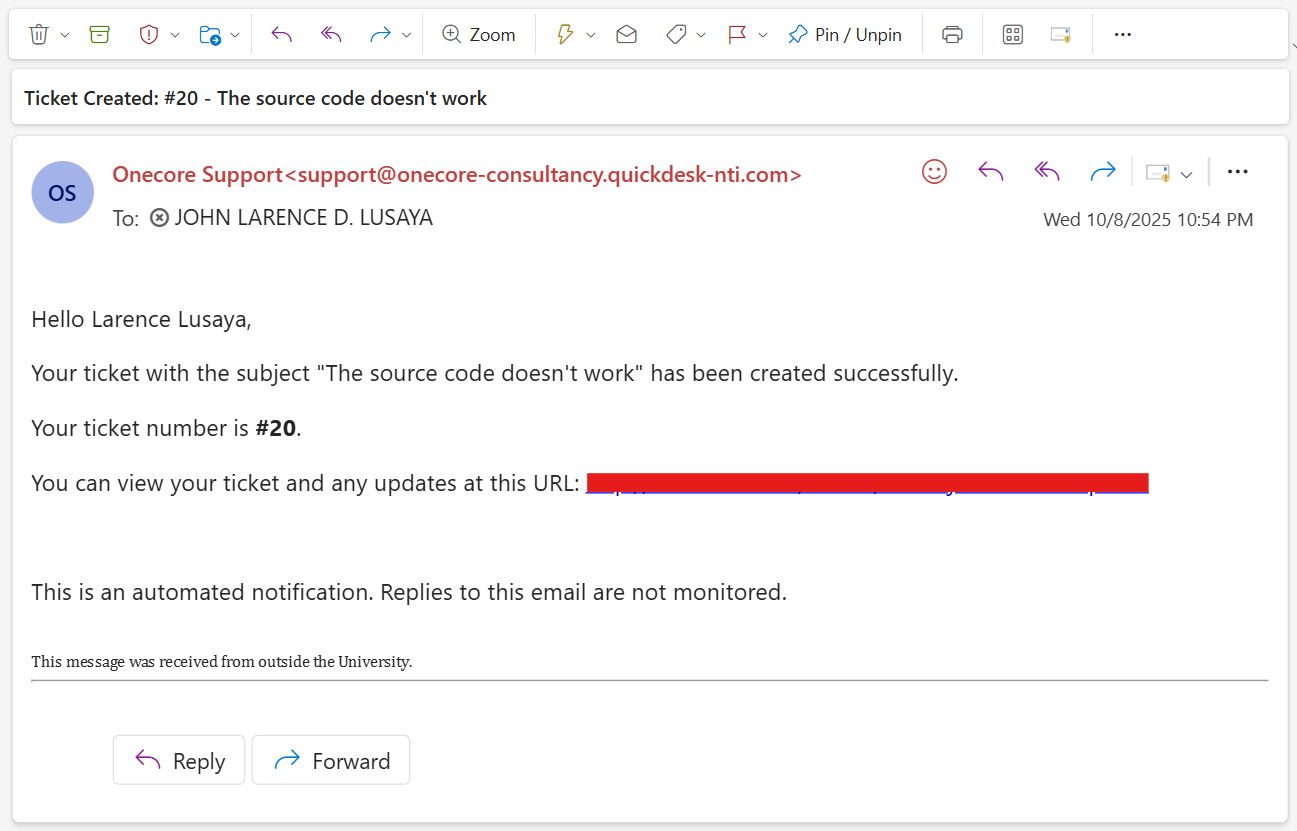
Automated Notifications
Automatic email alerts for creation, assignment, status changes, priority updates, and approaching deadlines keep everyone in the loop — less manual follow-up, no missed due dates.
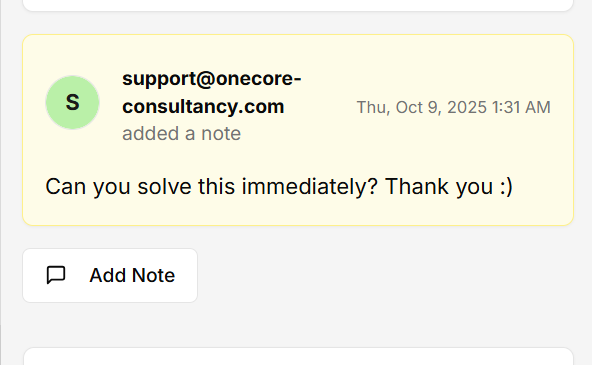
Internal Notes
Add private, team-only notes to any ticket. Share context, ask questions, and resolve faster — without the client ever seeing the internal chatter.
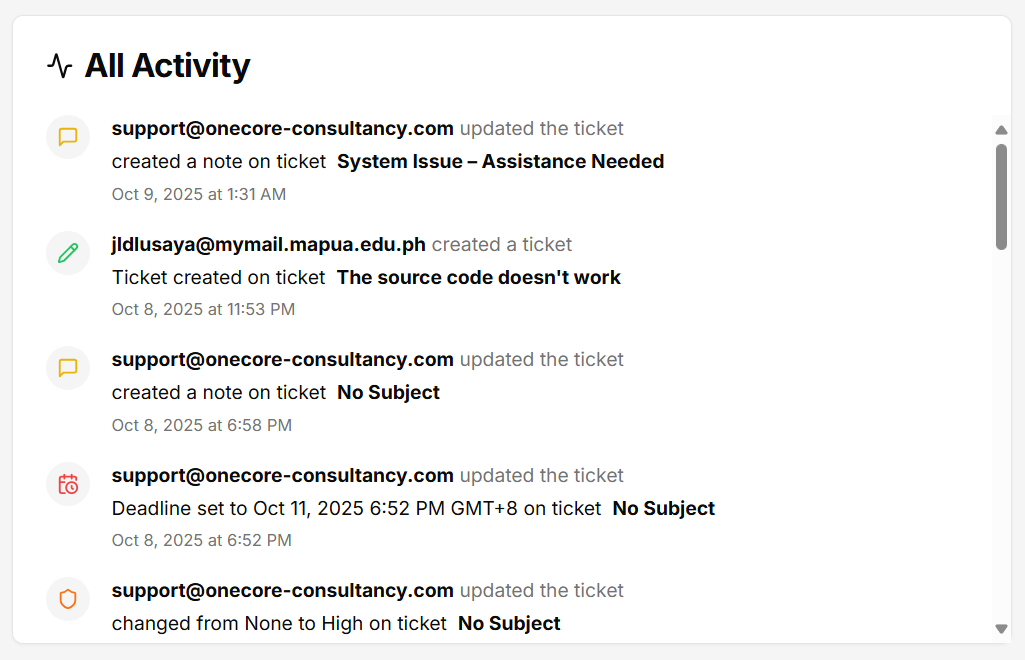
Activity Log
A complete audit trail on every ticket: a detailed, chronological log of every change, comment, and action from open to close.
Analytics Dashboard
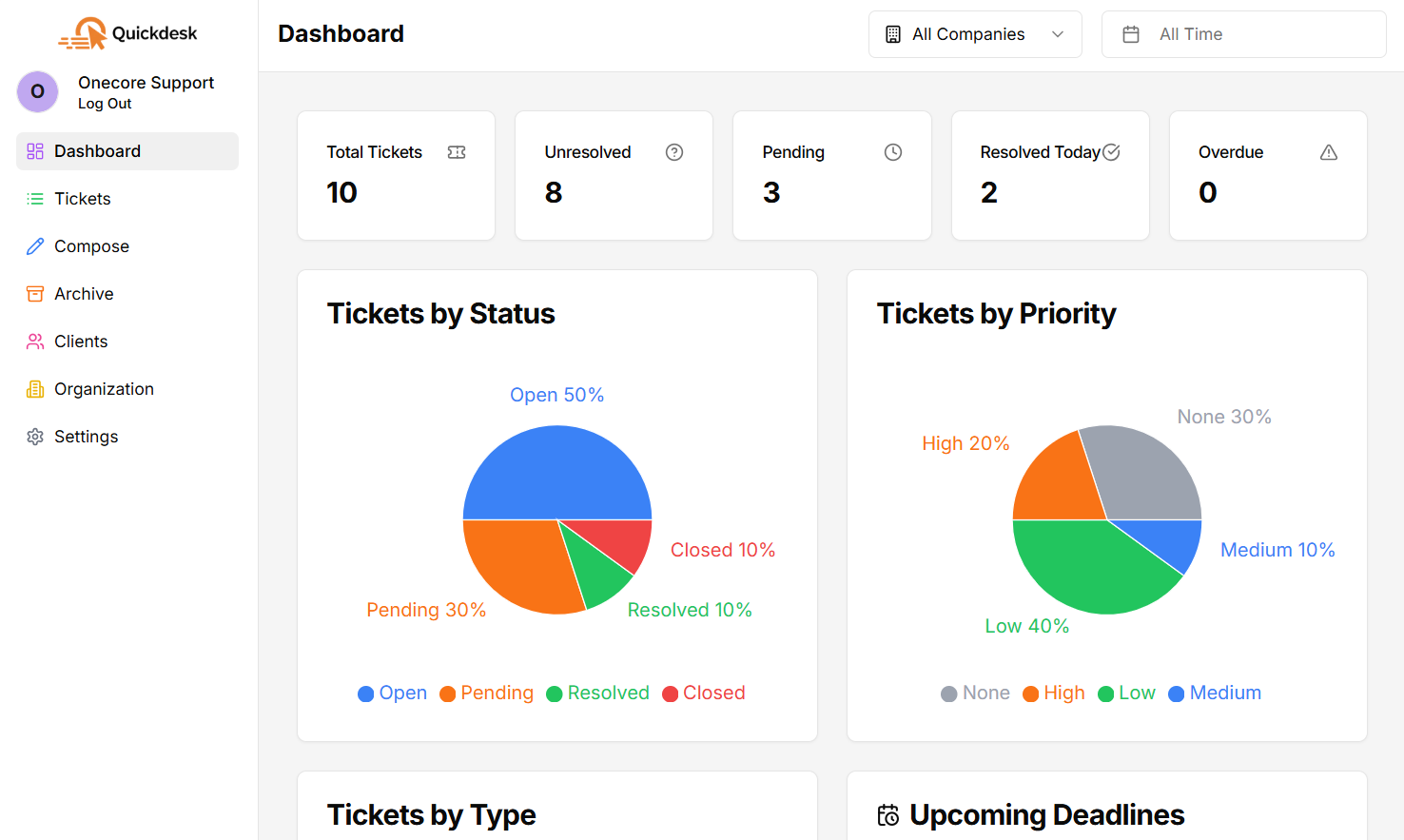
Track ticket volume, resolution rate, overdue work, and per-agent or per-section load. Filter by company and date range, drill into any stat card, and hide the cards you do not need.
Everything else in the box
Shipped and included — no upgrade tier, no per-feature pricing.
SLA & Deadline Tracking
Set response targets per priority. Quickdesk computes each deadline, flags overdue work, and emails reminders before you breach.
Branded Client Portal
Every organization gets its own portal address so clients can raise and follow their tickets under your name.
Excel Reporting
Export a report with the columns you choose, including waiting time and days-to-deadline calculated on business hours.
Bulk Import
Move your existing backlog in with a downloadable Excel template and per-row validation before anything is created.
AI Ticket Summaries
Opt-in: ask for a summary of any long thread and get the core issue, what has been tried, blockers, and the recommended next step.
Sections & Categories
Group your team into sections, nest categories under each, and route tickets to the people who own that work.
Multiple Organizations
Belong to more than one workspace with a single login and switch between them without signing out.
Drafts
Save a half-written reply or new ticket and come back to it later from a dedicated drafts page.
Waiting Time Tracking
Mark a ticket as waiting on the client with a required remark, and keep that paused time out of your response metrics.
Intake Controls
Decide who can open tickets: anyone who emails you, only allowlisted domains, or invited and verified contacts only.
Housekeeping Automation
Auto-close resolved tickets after a set number of days and automatically raise the priority of tickets left untouched.
Themes & Dark Mode
Nine color presets, a full dark mode, and a large font picker so the workspace matches how your team likes to work.
Roles & Permissions
Owners, sub-admins, agents, and clients each see a different slice of the workspace, down to which dashboard cards appear.
Attachments & Inline Images
Send and receive attachments up to 25 MB per file, with inline images rendered right inside the conversation.
Reply, Reply All & Forward
Work the thread like an inbox with To, Cc, and Bcc, and forward a ticket to someone outside the conversation.
Mobile Apps
Native apps on iOS and Android, so your team can triage, annotate and reassign without opening a laptop.
Put every feature to work
on your own mailbox.
Start free — no credit card, nothing gated behind a higher tier.
Start your 30-day free trial